Create new activity
- Hover on Create on the lower right.
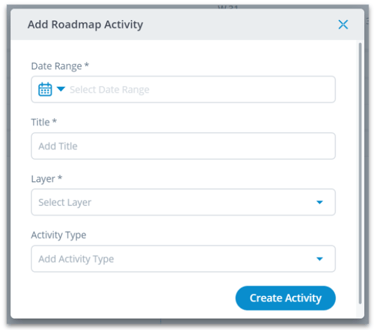
- Click Create Activity to open a dialog.
- Fill out the required fields.
- Confirm with Create Activity.
Add existing activity
- Hover on Create on the lower right.
- Click Add Existing Activity to open a dialog.
- Select the desired activity from the dropdown.
- Choose a layer.
- Confirm with Add Activity.